

Pick a reel or post
- 01
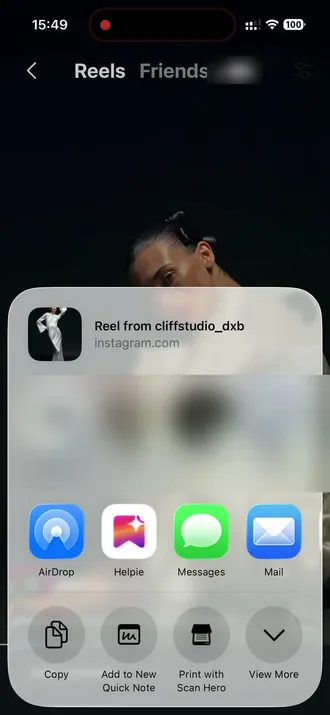
Share it to Helpie
Tap share on the reel and pick Helpie. No downloads, no screenshots.
- 02
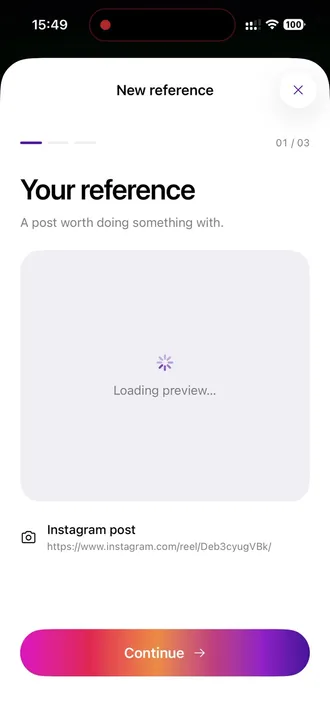
Your reference
Helpie opens with the post attached and keeps its link, so your AI works from exactly what you saw.
- 03
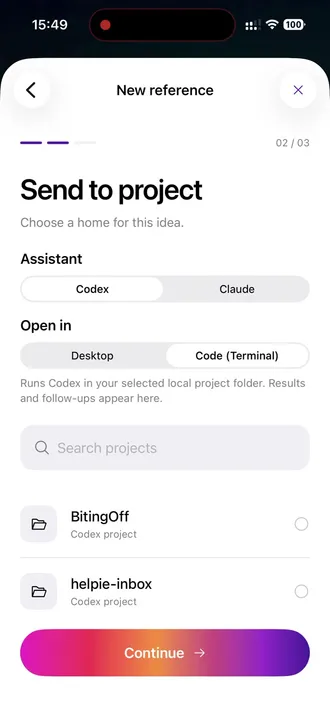
Choose your AI
Pick the assistant, Codex or Claude, and where it runs on your Mac: the desktop app or the terminal.
- 04
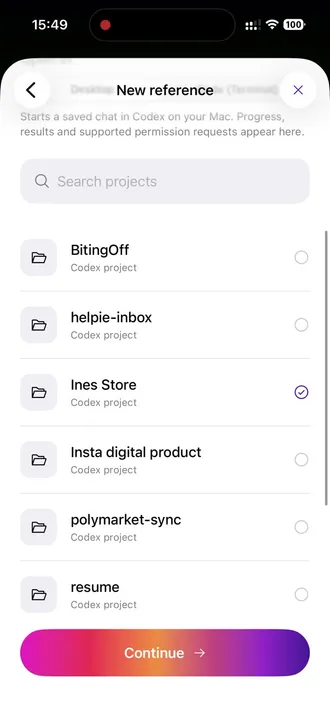
Pick the project
Choose where the idea belongs. Here it’s Ines Store, where the catalog lives.
- 05
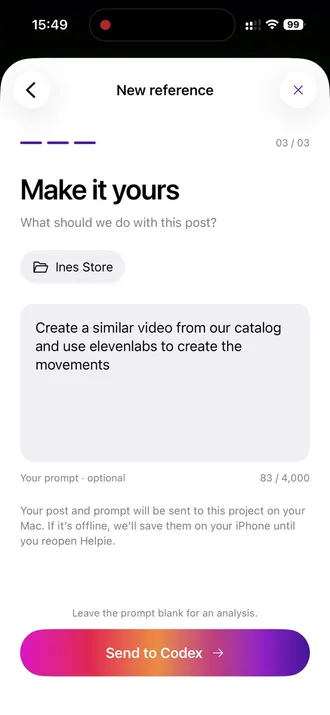
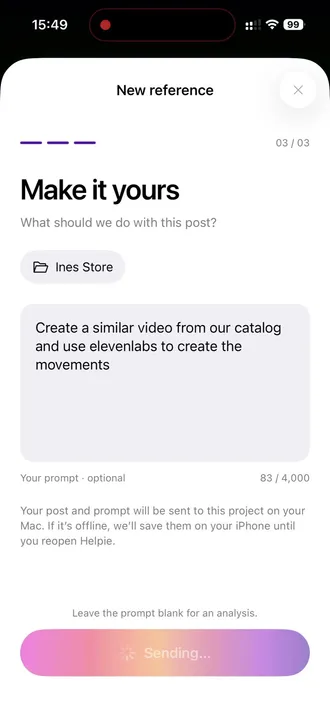
Make it yours
Say what to make. We asked for a similar video from our catalog, with ElevenLabs creating the movements.
- 06
Send it to your Mac
Helpie passes the post and prompt to your Mac. If it’s offline, they wait on your iPhone until you reopen Helpie.
- The result
Same music, a new reel
A different model in an Ines Store satin dress, moving to the reference’s background music. Turn the sound on to hear it.